
Contributor Profile Pages Arrive on OpenUPM
OpenUPM now has contributor profile pages.
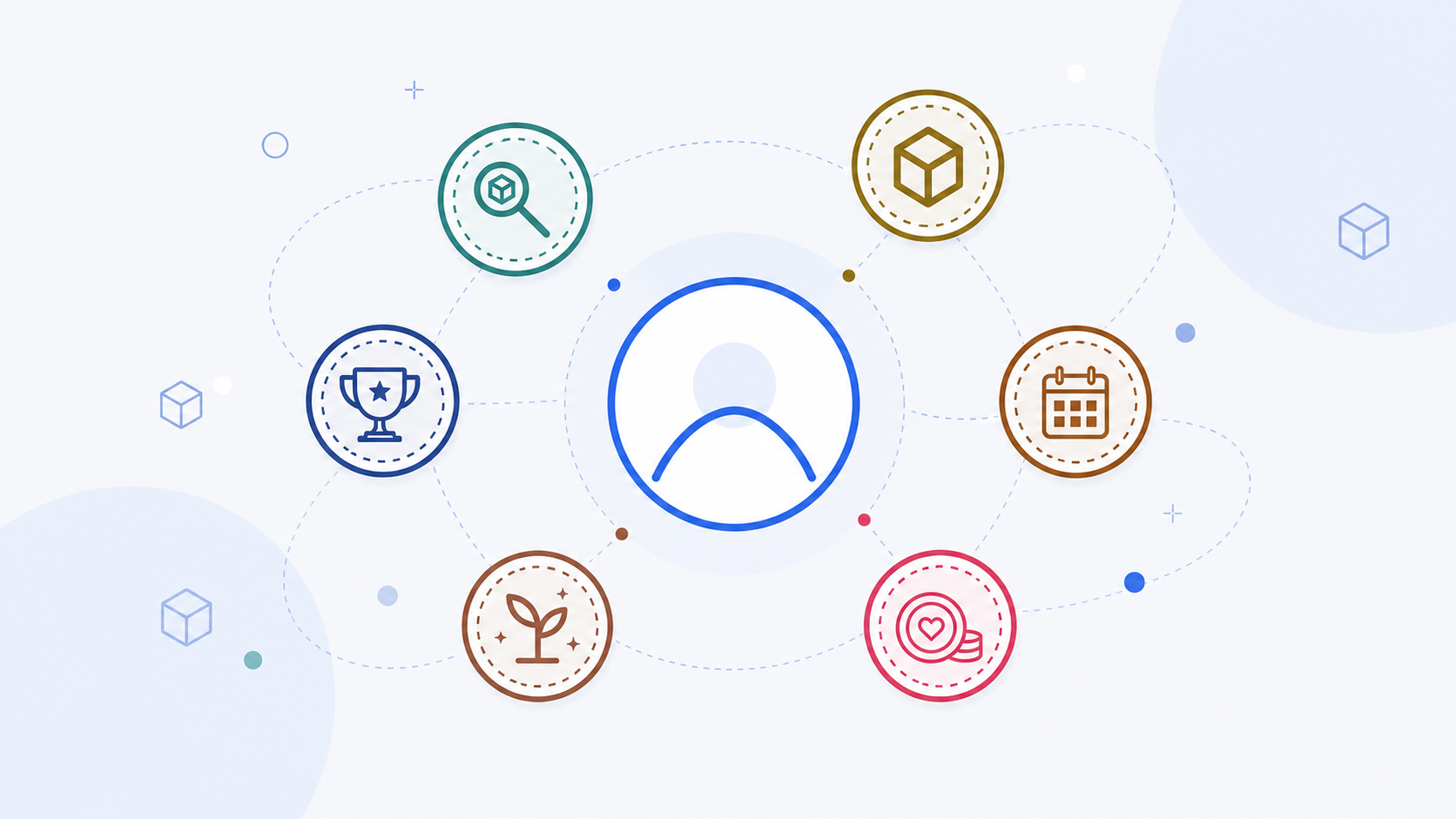
The Contributors page has always recognized the people who help OpenUPM grow. The new profile pages give each contributor a dedicated place that collects package ownership, package discovery activity, upstream profile links, and a compact badge wall.
The goal is simple: make contributor activity easier to browse and easier to share, without asking contributors to maintain another profile by hand.
What A Profile Shows
Each profile starts with the contributor's name, avatar, package counts, and a link back to the contributor's upstream profile. Below that, OpenUPM lists the packages connected to the contributor:
- Owned packages when the contributor is listed as the package owner or parent owner.
- Discovered packages when the contributor submitted the package to OpenUPM.
That makes profiles useful both for recognition and for navigation. You can start from a person, then quickly see the packages they maintain or helped bring into the registry.
Badges Make Profiles Scannable
Badges are the visual summary layer on top of the profile data. The first badge set focuses on concrete contribution signals:
- Package Hunter badges for discovering packages.
- Package Owner badges for maintaining or owning packages.
- Top Package Hunter and Top Package Owner badges from the contributor leaderboards.
- Year badges for hunter and owner activity from 2021 onward.
- Early Contributor for packages submitted before 2021.
- Current Backer and Former Backer for community support.
Count and rank badges show only the highest tier reached in each family, so a profile stays compact. Year badges are different: they can appear for each year where a contributor had matching activity.
Where To See Them
Open the Contributors page, choose a contributor profile, and look below the profile actions. Hover or focus a badge to see its description.
You can also browse the complete badge set and award rules on the Contributor Badges reference page.